AI-powered dispatch and route planning
7:02 a.m. Three missed calls, one client cancelling, a leaking water heater at another, and your technician already headed the wrong way. Redoing the day by hand on the corner of the table takes half an hour. AI-powered dispatch and route planning tools promise to do it in seconds. Here's what they really do, what they save you and how to keep the human touch with your clients.
What a dispatch tool actually does
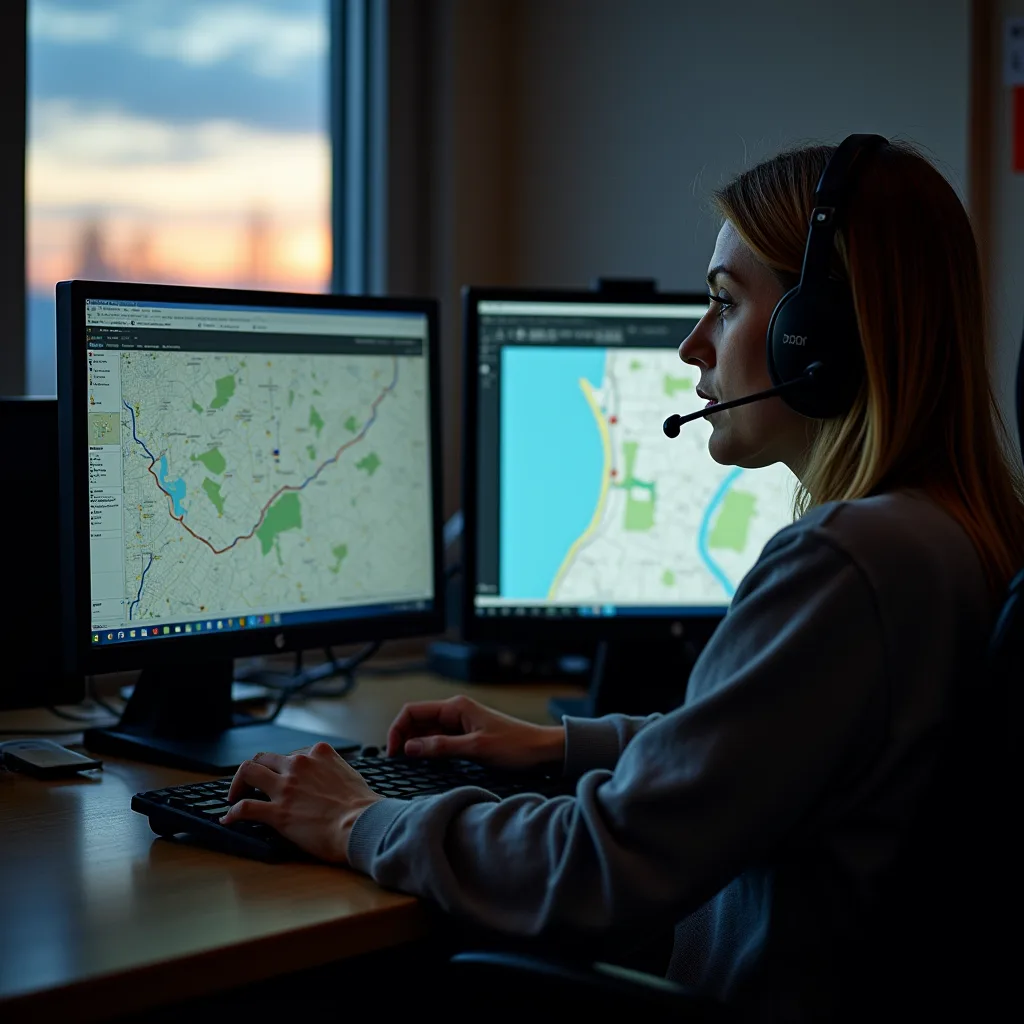
Forget the robot that answers your calls for you. A dispatch tool is first and foremost a puzzle solved fast. You give it the day's list of visits, with the address, expected duration, time window promised to the client, required skill and vehicle needed. It suggests who goes where, and in what order.
The "AI" part is in the details:
- estimating the real length of a visit from history (a deep clean isn't a regular maintenance clean);
- factoring in the traffic expected at departure time;
- grouping clients by area to avoid back-and-forth;
- recalculating the route when an emergency comes in at 10 a.m., without turning everything upside down;
- sending the client an estimated arrival time, then an update if you're running late.
These features come in several forms: a module in management software, a standalone app, or options in navigation apps. The right choice depends less on the brand than on your constraints.
Do it today: write down on one page the constraints of your typical day (time windows, skills, vehicles, breaks). That's your requirements list, and the basis for comparing any tool.
Where the time and fuel savings hide
The gains don't come from a magic formula. They come from small losses that disappear: zigzagging between two ends of town, the half-hour wait in front of a client who isn't home yet, the trip back to the warehouse for a forgotten part. A route well grouped by area means fewer kilometres, less fuel and less wear on the trucks.
There's payroll, too. When the employer organizes the route, driving time between clients counts as work time: Québec's Act respecting labour standards (section 57) deems an employee to be at work during travel required by the employer. Every pointless detour is paid. We explain it in detail in Travel time between clients: is it paid?. A sample calculation, to give you a sense of scale: if each technician avoids 20 minutes of unnecessary driving a day, that's 1 hour 40 minutes per person over a five-day week. Multiply by your crew: with four technicians, that's 6 hours 40 minutes less paid driving every week, almost a full extra day of visits.
For fuel, measure the right thing. Natural Resources Canada's green fleet best practices guide recommends tracking each vehicle's daily or monthly fuel use, in litres per 100 km, and comparing it with the manufacturer's rated values. It also advises recording idling time and stops. A truck idling in front of every client while the technician fills out the invoice is something the routing tool doesn't see: your tracking sheet does.
The only way to know whether it works for you is to measure before and after. Nobody can promise you a percentage without knowing your routes, your clients and your winter.
Do it today: for one week, record for each vehicle the odometer kilometres, driving hours and number of visits. Without a starting point, you can't measure a gain.
Choosing well: the checklist before you pay for a subscription
Most of these tools run on a monthly subscription, often per user or per vehicle. Before you sign, run it through this list.
Check that:
- The time windows promised to clients are respected in the calculation.
- An emergency can be added mid-day in two clicks.
- The app works offline in areas with no signal (think back roads and cottages).
- The interface is available in French for the whole crew.
- You can export your data (clients, history) if you switch tools.
- You know where the data is hosted and who can access it.
- A trial period lets you test on your real routes, in real winter if possible.
Avoid: paying for fifty features when you'll use three, or a one-year contract with no trial. For other AI uses that pay off quickly in a small service business, read AI for small service businesses: 10 practical uses starting tomorrow.
Do it today: pick two tools to compare and ask each for a trial over a real week with your crew.
Rolling out the tool in four weeks
A dispatch tool switched on during a stormy Monday morning is a recipe for chaos. The crews that succeed move in steps, and keep the old method within reach during the transition.
- Week 1: the baseline. You record each vehicle's kilometres, driving hours, number of visits and delays, without changing anything.
- Week 2: clean data. Full addresses, realistic durations by type of visit, promised time windows, each employee's skills. One badly typed address sends a truck down the wrong back road.
- Week 3: the parallel test. The tool suggests, the dispatcher decides. Every evening, compare the suggested route with the one that actually ran, and note why they differ.
- Week 4: the review. You compare with week 1 and ask the crew what's not working. Technicians know which client is never ready at 8 a.m.
Keep in mind that one week doesn't tell the whole story. Natural Resources Canada's guide recommends at least three months of telematics data for useful reports, and ideally a full year to account for the seasons. A landscaping route in June and a snow removal route in January look nothing alike.
Common mistakes:
- keeping the software's default durations instead of your own;
- forgetting breaks and meals when planning the day;
- letting the tool dispatch without looking at skills (the apprentice alone on an emergency);
- announcing the tool to the crew on the day itself, without the advance notice the law requires.
Do it today: pick week 1 in your calendar, ideally a normal week with no storm or holiday, and set up the tracking sheet.
Your employees, GPS and the law
A dispatch tool knows where your trucks are. So, often, it knows where your employees are. In Québec, the Act respecting the protection of personal information in the private sector (section 8.1) requires a business that collects information using technology that can identify, locate or profile a person to inform them beforehand. It must tell them that such technology is being used and what means are available to activate those functions. Profiling includes evaluating work performance.
In practice, before you switch on the tool, explain to your crew in writing:
- what is collected (location, hours, kilometres);
- when (during shifts only, or also evenings when the vehicle goes home);
- who sees the data and why;
- how long it's kept.
One basic rule helps settle the grey areas: a business may collect only the information needed for the purposes determined before the collection (section 5 of the same Act). If the purpose is to organize routes, the truck's location on a Saturday night, parked in your employee's driveway, isn't part of it. Set up the tool to follow shifts, not lives.
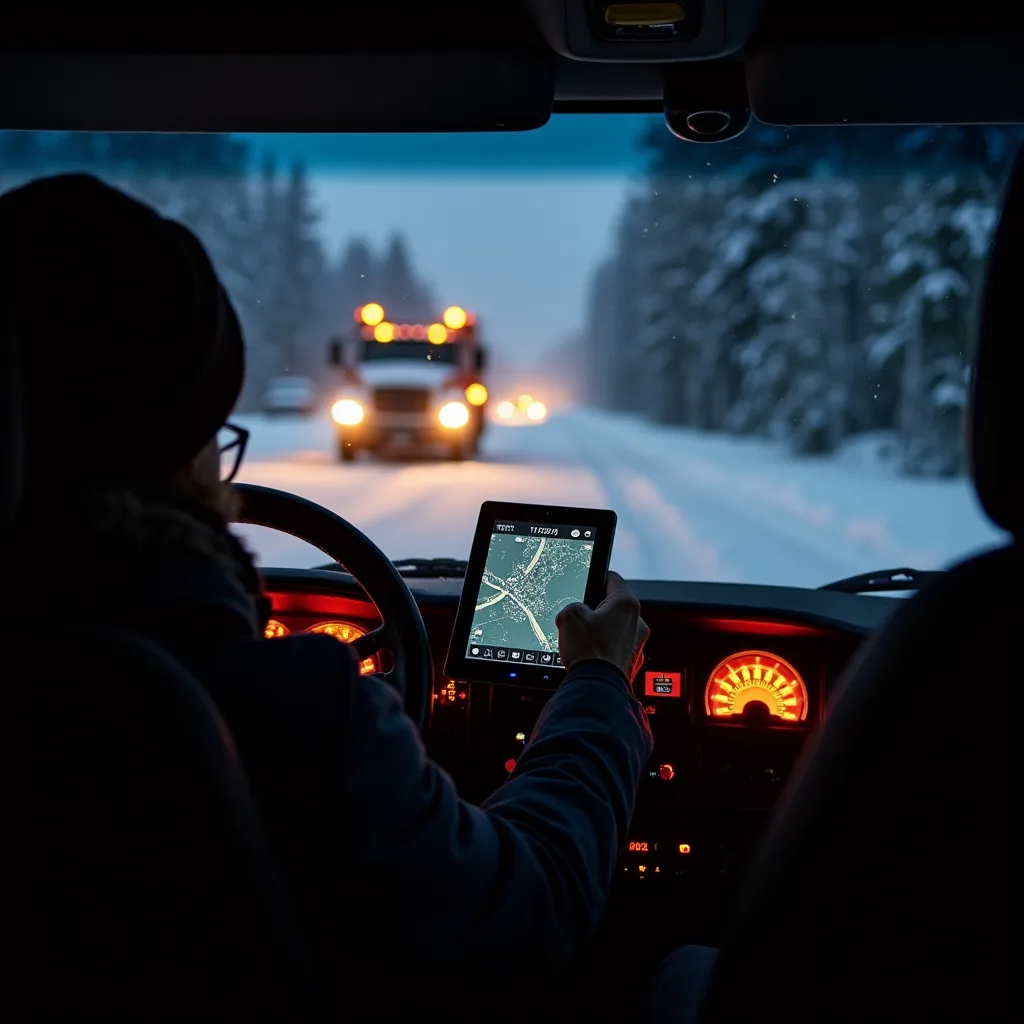
Then there's the road. Québec's Highway Safety Code (section 443.1) prohibits drivers from using a handheld cellphone. A screen is allowed if it's built into the vehicle or mounted on a support, displays only information relevant to driving and doesn't block the view. In other words: the route on a mounted screen, yes; reading the next client's notes while driving, no. That's done once you're parked. According to the SAAQ, the offence costs $300 to $600 and 5 demerit points, and a repeat offence within two years means an immediate licence suspension (3 days the first time). The mount must be secure: a phone in the cup holder or on the passenger seat isn't allowed. The same questions come up in snow removal, as you'll see in Smart snow removal: sensors, GPS and weather forecasts.
Do it today: write a one-page "What the tool knows about you" notice and have every employee read it before go-live. For a specific situation, the Commission d'accès à l'information can provide guidance.
Keeping the human touch with your clients
The tool can send "Your technician will arrive around 1:40 p.m." It can't reassure an 82-year-old woman whose furnace won't start. The best businesses automate the simple messages and keep humans for the moments that matter.
| Let the tool handle | Keep for a human |
|---|---|
| Appointment confirmation | A delay of more than an hour |
| Estimated arrival time | A complaint or an angry client |
| The reminder the day before | First contact with a new client |
| The "on the way" notice | Older clients or those who prefer the phone |
And reread the automatic messages as if you were the client: a cold text at 6 a.m. announcing a delay is a lost client. A person who calls to apologize and offer a new time often wins one.
Do it today: write three template messages (confirmation, on the way, delay) in your own words, with your company name and a number where a real person can be reached.
Tomorrow's dispatcher: a job that changes, not one that disappears
When the tool solves the routing puzzle, the dispatcher doesn't become useless. They spend less time moving appointments around and more time talking to clients, handling surprises and making sure the tool isn't suggesting something absurd, like sending an apprentice alone on an emergency. That's the picture painted in Will AI replace the service trades? What is really changing: AI transforms tasks more than it erases trades.
The skills gaining value: knowing the territory, being comfortable with a screen, staying calm on the phone and deciding fast when the weather changes everything. If you're looking for that profile, you can post a job ad for free on GPP Emploi or invite profiles from the bank, and pay only when a contact is accepted. The details are on the employer page.
Do it today: ask your current dispatcher what they'd do with two extra hours a day. Their answer tells you what to automate first.
The bottom line
A dispatch tool saves you kilometres, not clients. Measure before you choose, inform your crew before you switch it on, and keep a real voice on the line for the moments that matter.
Frequently asked questions
What is route planning software?
It's a tool that works out the order of visits and each vehicle's route from addresses, expected durations and the time windows promised to clients. Many use AI to estimate visit length, factor in traffic and recalculate the route when an emergency comes in. It can also send clients an estimated arrival time.
How much time does route optimization save?
It depends on your routes, your clients and how you planned before. The only reliable way to know is to measure kilometres, driving hours and number of visits for a week, then compare after you switch. Be wary of any percentage promised without knowing your business.
Can an employer track employees by GPS in Quebec?
Québec's private-sector privacy law requires a business to inform people beforehand when it uses technology that can locate, identify or profile them. Collecting only what's useful for managing routes remains the best reflex. For a specific case, the Commission d'accès à l'information can provide guidance.
Can a technician read the next address on their cellphone while driving?
The Highway Safety Code prohibits using a handheld cellphone while driving. A screen mounted on a support or built into the vehicle is allowed if it only displays information relevant to driving, such as the route, and doesn't block the view. The next client's details are read once parked.
Do you still need a dispatcher with an AI tool?
Yes, in most small service businesses. The tool sorts out route order, but someone has to handle emergencies, unhappy clients and decisions the software can't make. The job changes: less puzzle-solving, more customer service.
Sources
- P-39.1 - Loi sur la protection des renseignements personnels dans le secteur privé, article 8.1
- P-39.1 - Loi sur la protection des renseignements personnels dans le secteur privé, article 5
- C-24.2 - Code de la sécurité routière, article 443.1
- N-1.1 - Loi sur les normes du travail, article 57
- Appareils électroniques portatifs, SAAQ
- Guide des meilleures pratiques pour des parcs de véhicules écologiques, Ressources naturelles Canada