Digital skills to add to your profile in 2027
The federal government ranks digital skills among the nine foundational skills for success at work, on par with reading and numeracy. In a hands-on trade, that may come as a surprise, until you look at a real workday: a work order on a phone, a route planned by an app, a card payment at the client's door. Here are the digital skills service employers are looking for now, and how to list them credibly in your profile.
Why digital skills have become trade skills
In service trades, the work itself is still hands-on: you clear snow, you paint, you repair. What has changed is everything around it. The work order arrives on a phone, an app plans the route, the client pays by card on site and gets the invoice by email. An employer who hires is therefore looking for someone who does the job well and who does not hold up the whole chain because of a tool they cannot use.
Governments have built this into their own frameworks. The federal Skills for Success model has nine skills: reading, writing, numeracy, digital, problem solving, communication, creativity and innovation, collaboration, and adaptability. When it updated the model, Employment and Social Development Canada replaced the former computer use skill with digital skills, which include different types of devices and digital platforms.
In Québec, the Digital Competency Framework, first published in 2019 and updated to take into account developments such as artificial intelligence, describes 12 dimensions, including communicating and collaborating using digital technology, solving problems, and exercising ethical citizenship. It is meant for educational and professional use. Keep the core idea in mind: digital skills are not about "knowing computers", they are about using the right tools to do your job. That is also the conclusion of Will AI replace the service trades? What is really changing: technology changes the tasks around the trade more than the trade itself.
Dispatch and scheduling apps
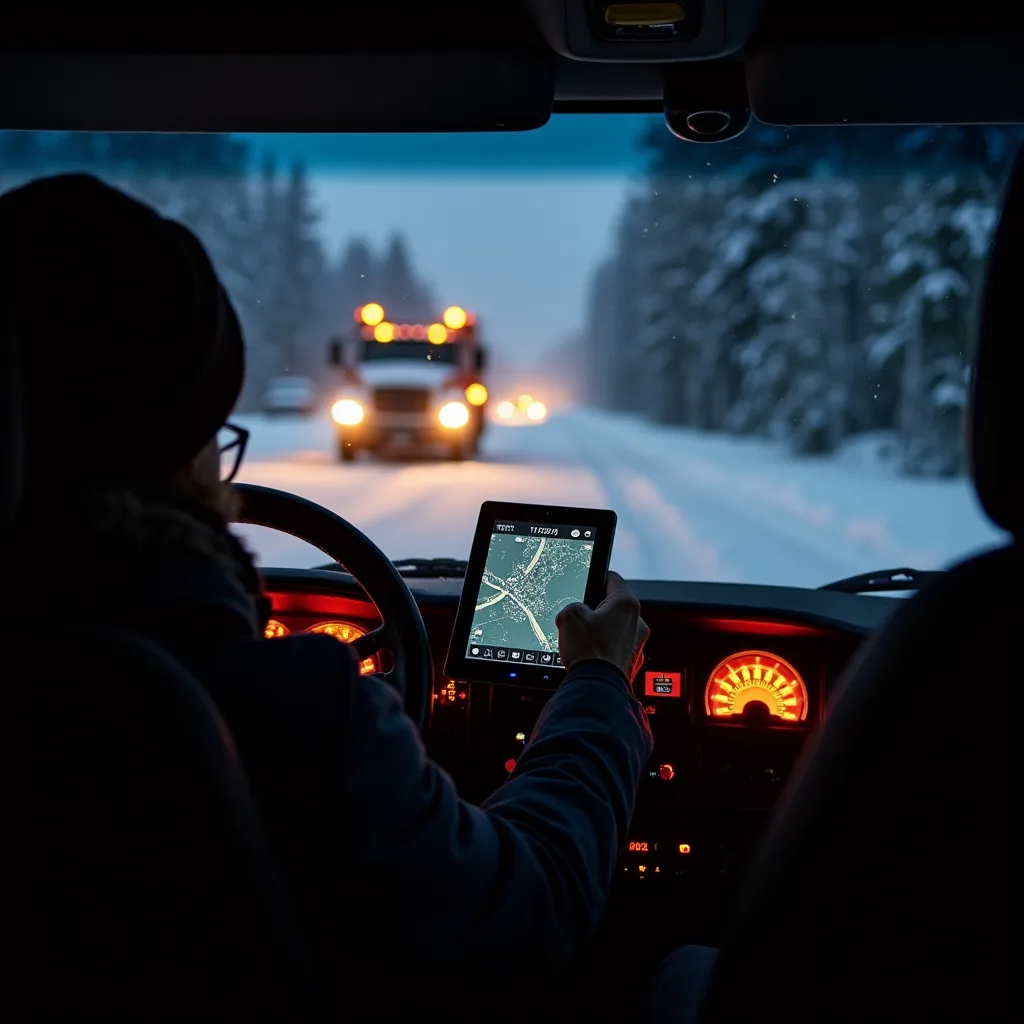
A snow removal, cleaning or delivery company often dispatches its crews with an app: each worker sees their addresses, the order of visits and the client's instructions. The employer sees progress in real time. The person who updates their status without being reminded saves everyone time.
The actions that matter:
- accepting, starting and closing a work order;
- updating your status ("on the way", "on site", "done");
- attaching a photo or a note to the order, and getting the client to sign on screen;
- checking a route and reporting a delay;
- entering your hours in a digital timesheet.
One safety point employers check: holding a device while driving is illegal. According to the SAAQ, the screen must be on a fixed mount and display only information useful for driving, such as directions. The fine ranges from $300 to $600, with 5 demerit points, and a repeat offence within two years brings an immediate licence suspension (3, 7, then 30 days). The good habit: update your status before you leave or once you are parked. Also worth knowing: if a tool can locate you, the Act respecting the protection of personal information in the private sector requires the business to inform you beforehand (section 8.1).
Mobile payments and on-site invoicing
More and more small businesses take payment at the client's door, with a terminal connected to a phone, and send the invoice by text or email. For an employer, a worker who is comfortable with these tools means fewer receivables and fewer confused client calls. For a self-employed worker, the benefit is even more direct: you get paid faster.
What you need to be able to do:
- Start a transaction, handle a declined payment and issue an electronic receipt.
- Tell apart the price, the taxes and any tip on the receipt.
- Send a clear invoice with a description of the work done.
- Never ask for or write down a card number by text or email.
If you invoice on your own account and are registered for the taxes, Revenu Québec explains that the GST (5%) and the QST (9.975%) are both calculated on the same selling price. Example: a $180 window cleaning job comes to $9.00 in GST and $17.96 in QST ($17.955 rounded), for a total of $206.96. Being able to check that calculation on the terminal screen is also a digital skill.
Connected diagnostics and smart devices
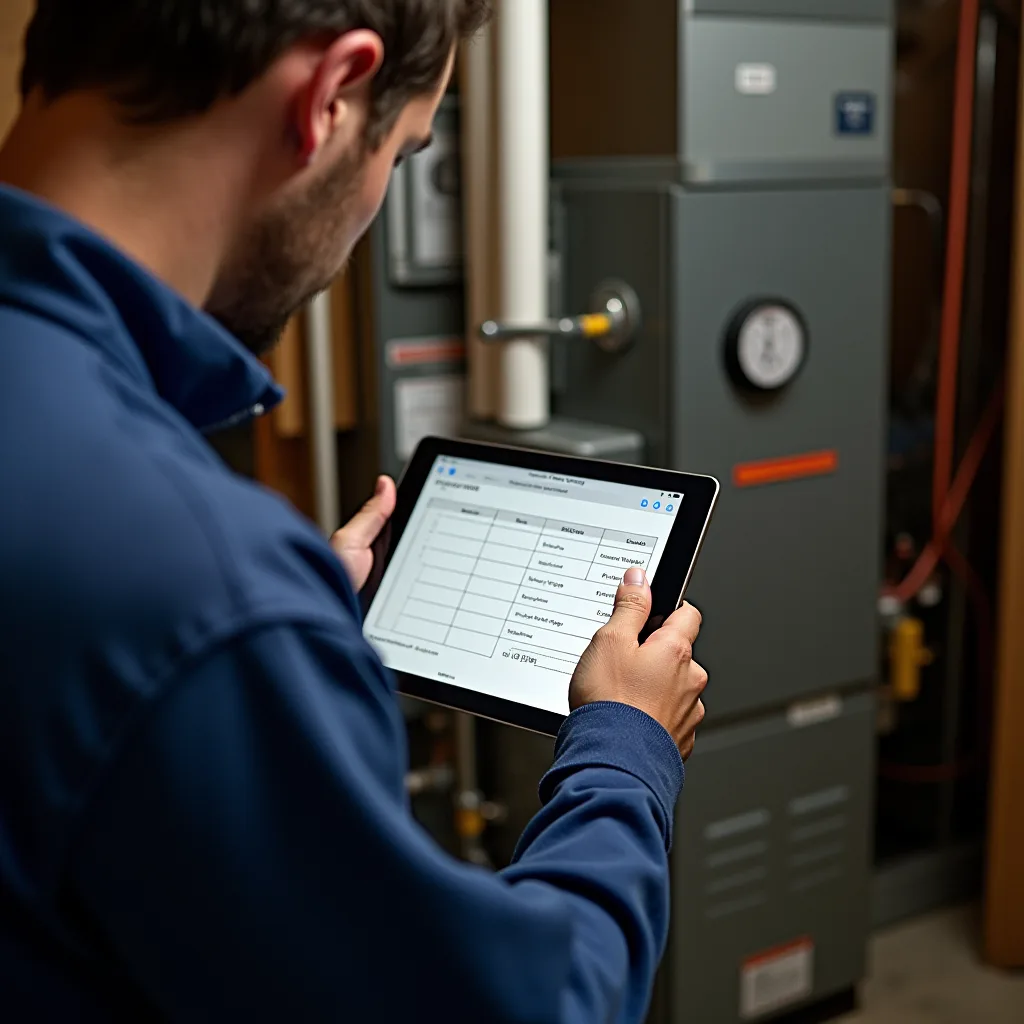
Heat pumps, thermostats, appliances, vehicles: many devices now display error codes, are set up through an app or update remotely. An appliance repair technician, a mobile mechanic or a heating installer spends part of their time reading this data before taking out their tools.
The skills employers look for:
- connecting a diagnostic tool or opening the manufacturer's app and reading an error code;
- finding a device's official technical documentation rather than a random forum;
- applying an update or resetting a connected device without losing the client's settings;
- explaining simply to the client what the device shows and what you did.
Why does it matter in hiring? Because a well-read diagnosis avoids a second trip. If you have done it, say so with the type of device: "reading error codes on wall-mounted heat pumps" is worth far more than "good with tech".
Written communication and photo documentation
The Skills for Success model treats writing and communication separately from digital skills, but in the field they meet: a clear message to the client, a well-framed before-and-after photo or a two-line report in the app are often worth as much as the work itself, because they prove what was done.
A few simple habits that set a candidate apart:
- photographing the site before you start (a scratch already there, a drain already blocked);
- writing a short report: what was done, what remains, what the client should keep an eye on;
- managing a shared calendar and confirming an appointment by message;
- respecting the client's privacy: no photo of the inside of their home posted without their consent.
On GPP Emploi, everything happens in the platform's messaging: messages, quotes and contracts. Before a contact is accepted, phone numbers and email addresses written in a message are masked, to protect everyone. Being able to write a complete message the first time saves a lot of back-and-forth. Tips on first messages are in Using AI for your job search: profile, messages and interviews.
How to add them to your profile without overselling
An employer cannot verify "comfortable with technology". They can verify "work orders on a phone, with photos and client signature, for two seasons". The rule: one tool, one action, one context. No need to name a software brand; describe what you can do.
| Skill | How to write it | Possible proof |
|---|---|---|
| Dispatch | "Route of 12 addresses managed in an app, statuses kept up to date" | Reference from a former employer |
| Mobile payment | "Payments taken on a mobile terminal and invoices sent by email" | Sample invoice (without client data) |
| Diagnostics | "Reading error codes on wall-mounted heat pumps" | Training completed, certificate |
| Documentation | "Before-and-after photos and end-of-visit report" | Job site photos, with the client's consent |
On GPP Emploi, your profile is created without a résumé in about 3 minutes, in 8 steps you can complete in any order. The "présentation" (introduction) step is the right place for two or three lines like these; your cards and licences go in the passport instead. Update your profile, or create it through worker sign-up, then browse the job postings to see which tools employers mention. For the other details that matter, read Building a profile employers notice: 10 details that make the difference.
Want to assess yourself? The federal government states that its former computer use self-assessment tool has not been updated and that new digital skills assessment tools will be developed. In the meantime, the best assessment is a concrete one: list the tools you have used at work in the past year.
In short
- Digital skills are one of the federal government's nine Skills for Success, alongside reading and numeracy.
- In service trades, the most useful are phone-based dispatch, mobile payment, connected diagnostics, and documentation through photos and messages.
- Never hold a device while driving: the fine ranges from $300 to $600, with 5 demerit points.
- In your profile, describe a tool, an action and a context rather than a vague quality.
Frequently asked questions
What are digital skills at work?
They are the ability to use digital devices and platforms to do your tasks: managing a work order, taking a payment, reading an error code or communicating with a client. The federal Skills for Success model lists them among the nine foundational skills.
Which digital skills should I put in my profile for a hands-on trade?
The ones you have actually used at work: a dispatch app, a digital timesheet, a payment terminal, a diagnostic tool, before-and-after photos. Each time, describe the tool, the action and the context, without exaggerating.
Can I use my employer's app while driving?
Only if the device is on a fixed mount and displays only information useful for driving, such as directions. Holding the device in your hand is illegal. Update your statuses before you leave or once you are parked.
Can my employer track my location with an app?
The Act respecting the protection of personal information in the private sector requires a business that uses technology capable of locating you to inform you beforehand. For a specific question about your situation, the Commission d'accès à l'information can help.